FAQ
My Community App
How do I view video messages?
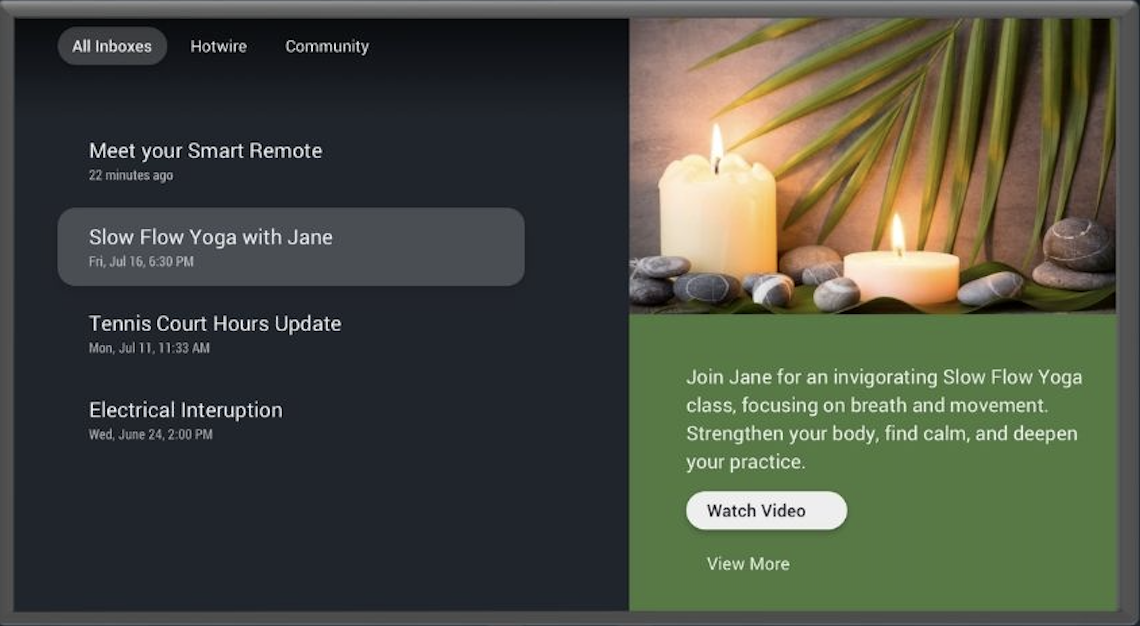

Select a message with video links

Press the RIGHT ARROW button twice on your Fision TV+ remote to select the link

To play the first video, press OK

To play the second video (if applicable), press the DOWN ARROW button and then OK
Back