FAQ
On Demand
How do I access On Demand Library?
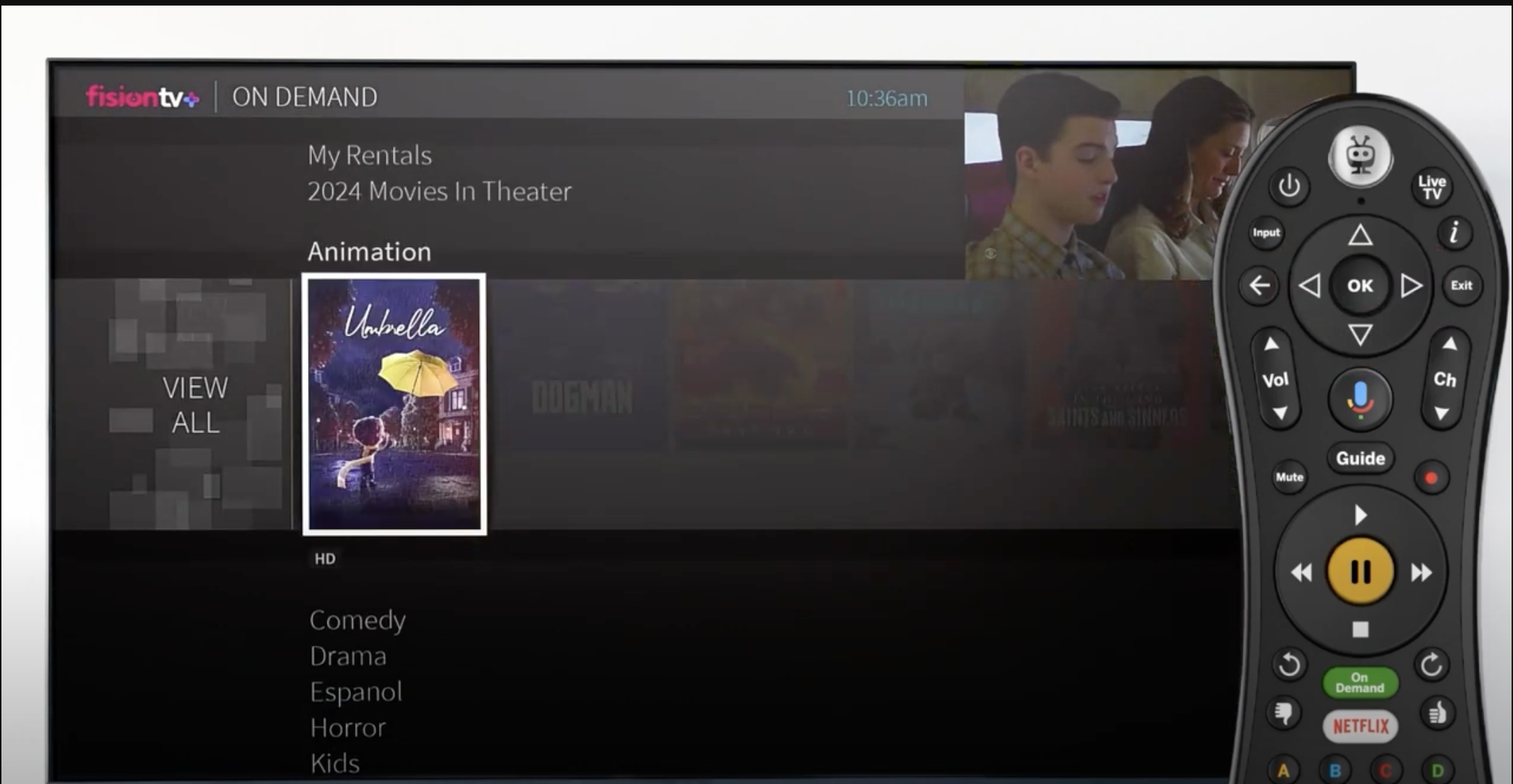

Press the On Demand button on your remote control.

Using your arrow keys, highlight the category you wish to browse and press OK

Once you’ve located a video you want, highlight it and press OK. This will bring you to a screen that gives you more details on the video and, allow you to play, record, or bookmark it.

Review the fee and view period (if any) and confirm your purchase.
Done