
FAQ
Create My Hotwire Account
Having a My Hotwire account is important. It will allow you to access your account information and an abundance of features offered by Fision.
Follow these steps to get started!
Step 1
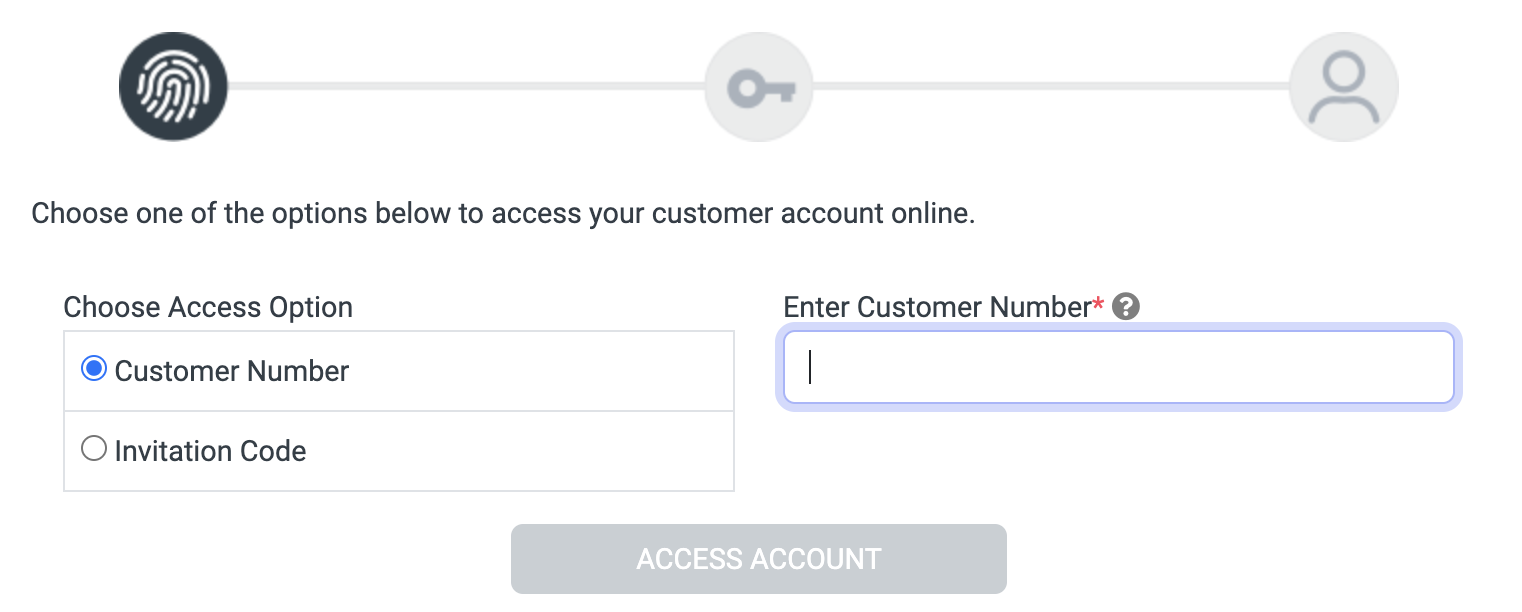
Before starting, make sure you have either your customer number or invitation/access code ready.
Your customer number can be found on your billing statement.
Your customer number can be found on your billing statement.
Step 2
When you're ready, click the Sign up button below.
You will be taken to another page where we'll begin setting up your account. Follow the instructions to complete signing up.
You will be taken to another page where we'll begin setting up your account. Follow the instructions to complete signing up.
Sign up