FAQ
Remote Control
How to use Keyboard Search
Use the Search bar to find the content you want to watch.
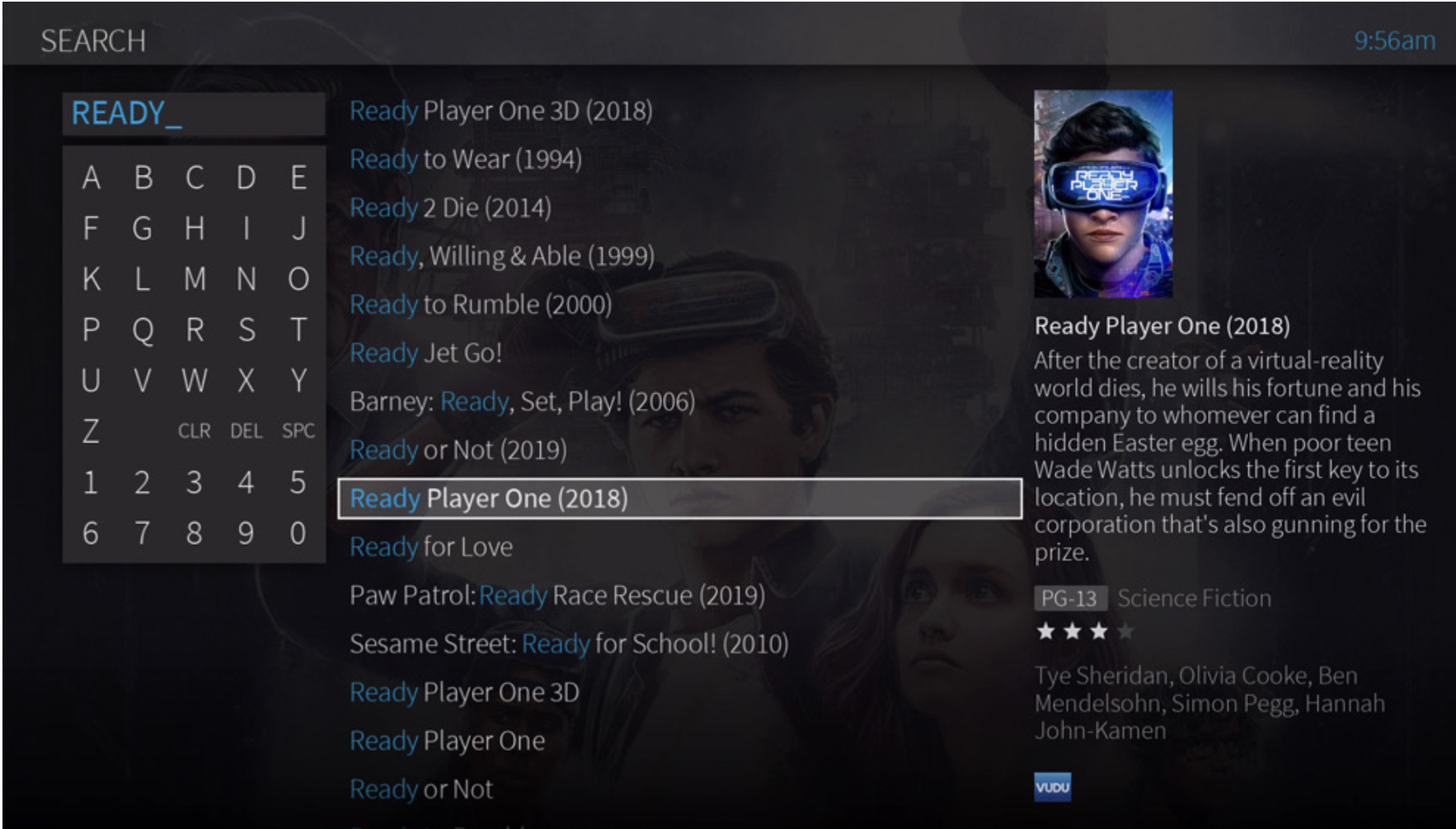

From the Home screen, select Search.

Use the letter grid to spell out what you’re looking for. Press the arrow buttons to move around, then OK on each letter you want.

Keep selecting letters until you see what you’re searching for. If you make a mistake, you can press REWIND to erase one letter at a time. Insert a space by pressing FAST FORWARD.

As you select letters, a list of possible matches sorted by popularity appears on the right.
Use the RIGHT arrow to highlight the show or person name and press OK.
Use the RIGHT arrow to highlight the show or person name and press OK.
Done